
IHOME PRO APP
One app, your whole smart home.
Control every ACIS device — lighting, climate, curtains, security, and more — from a single app, wherever you are.
INSIDE THE APP
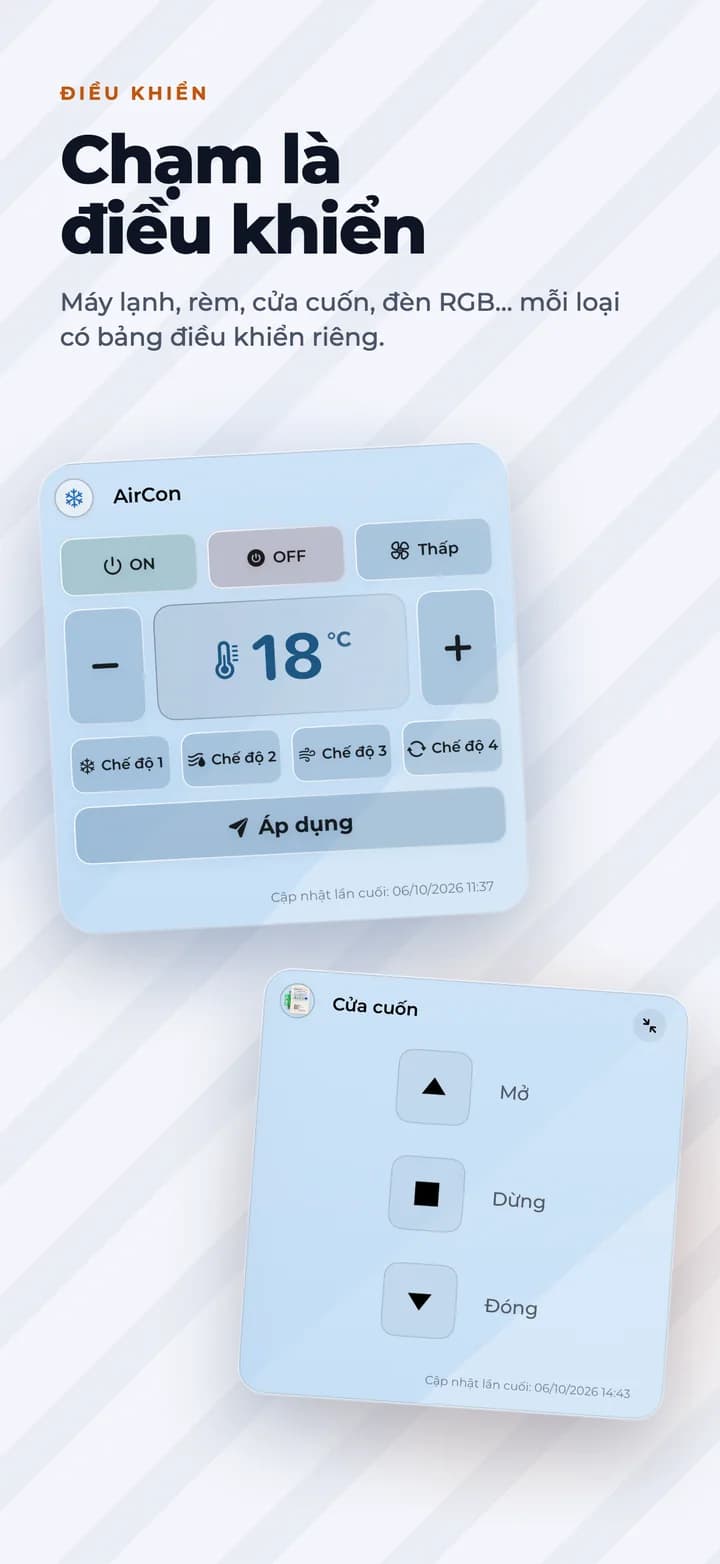
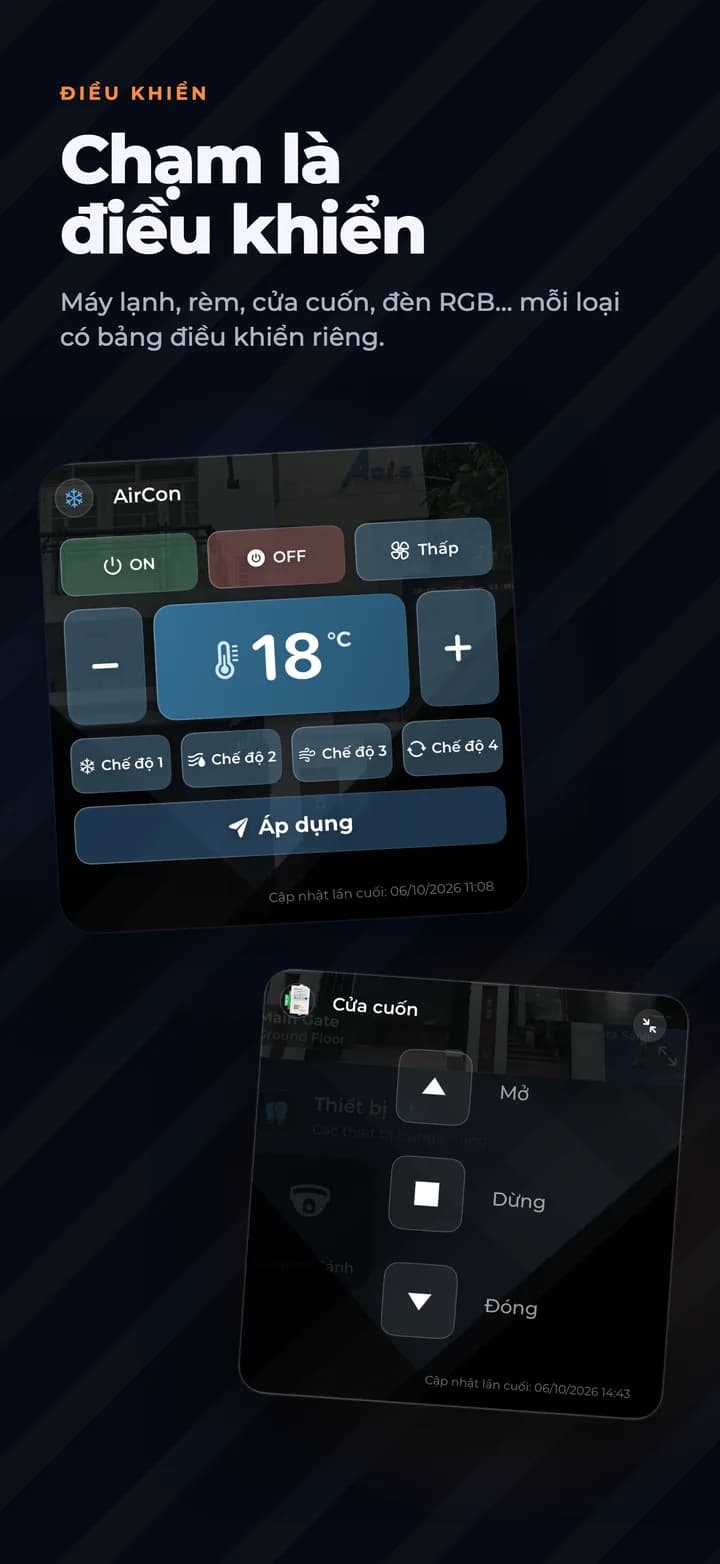
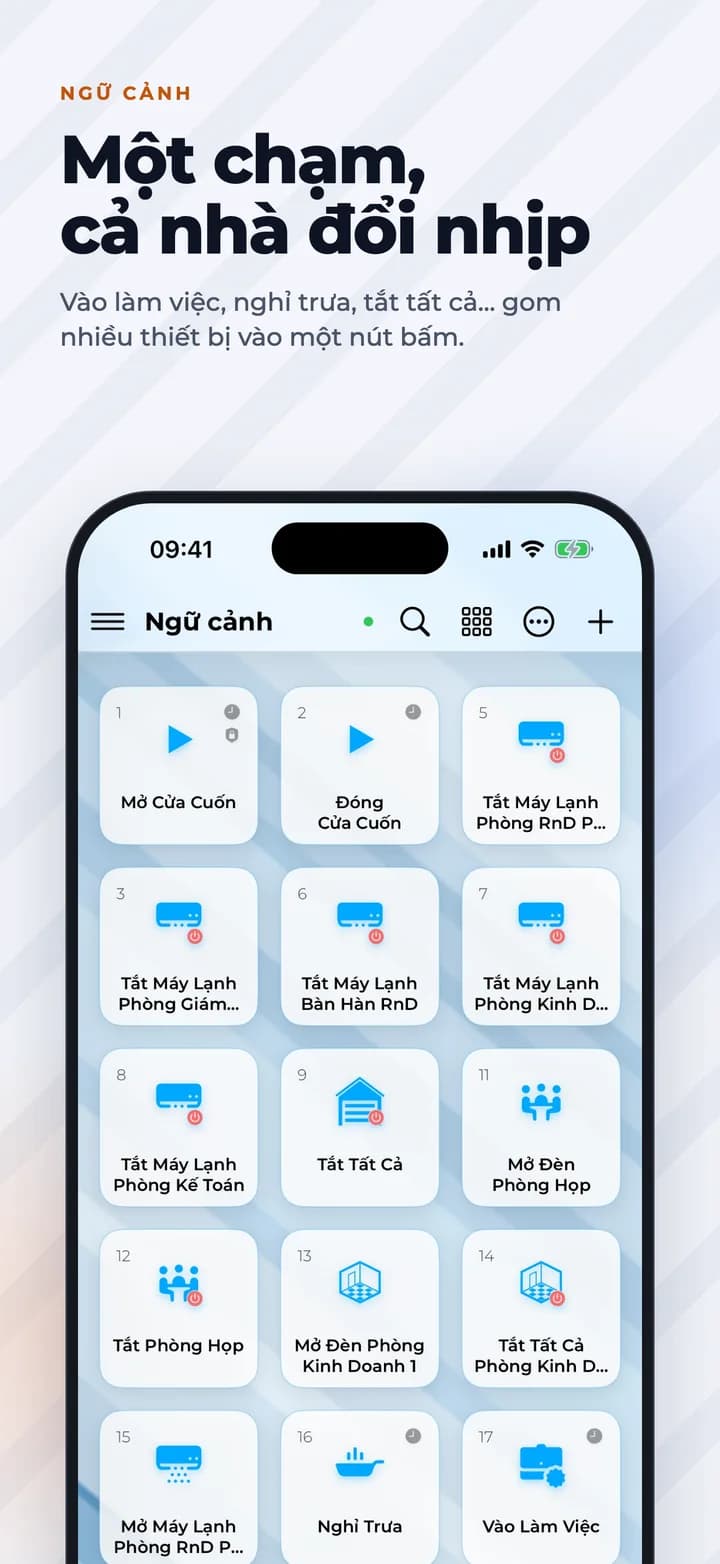
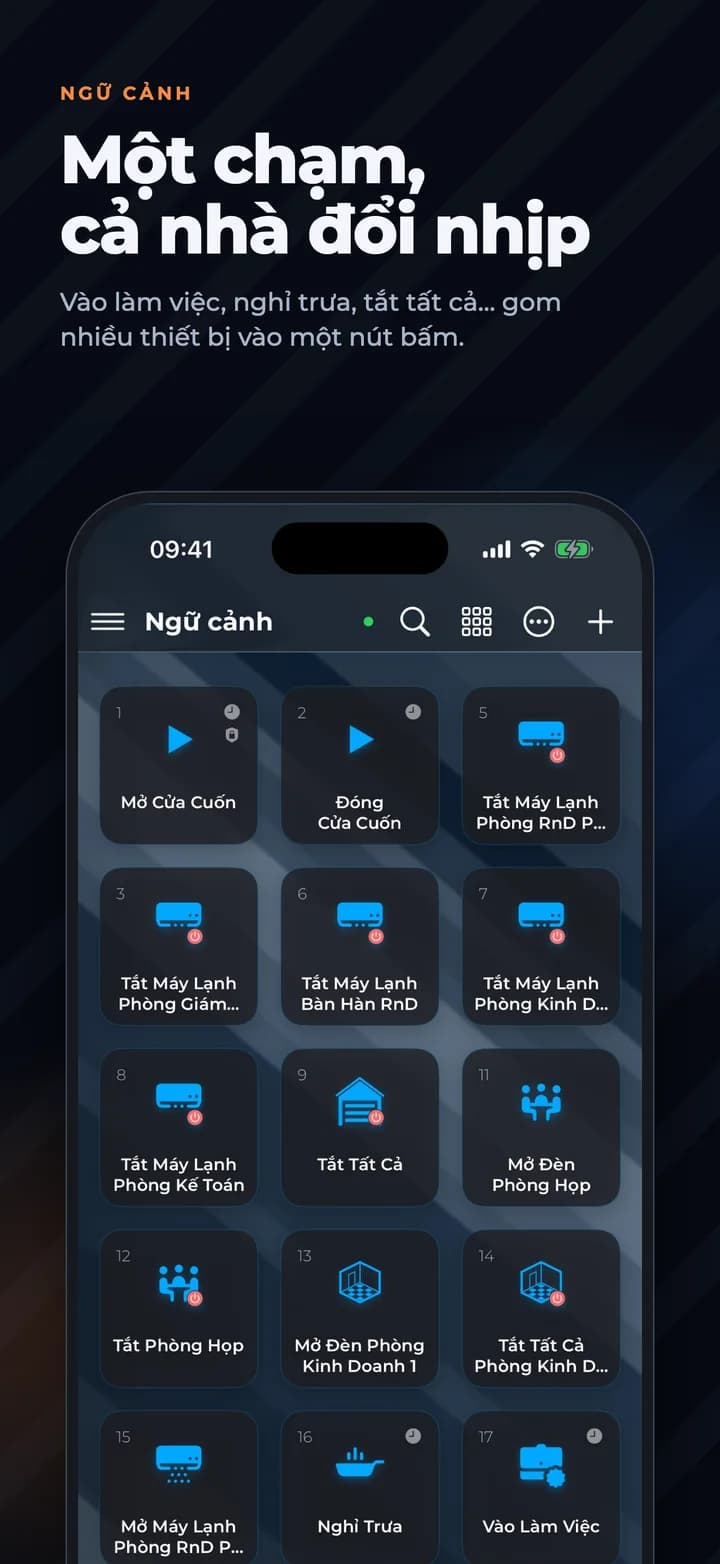
See iHome before you install it
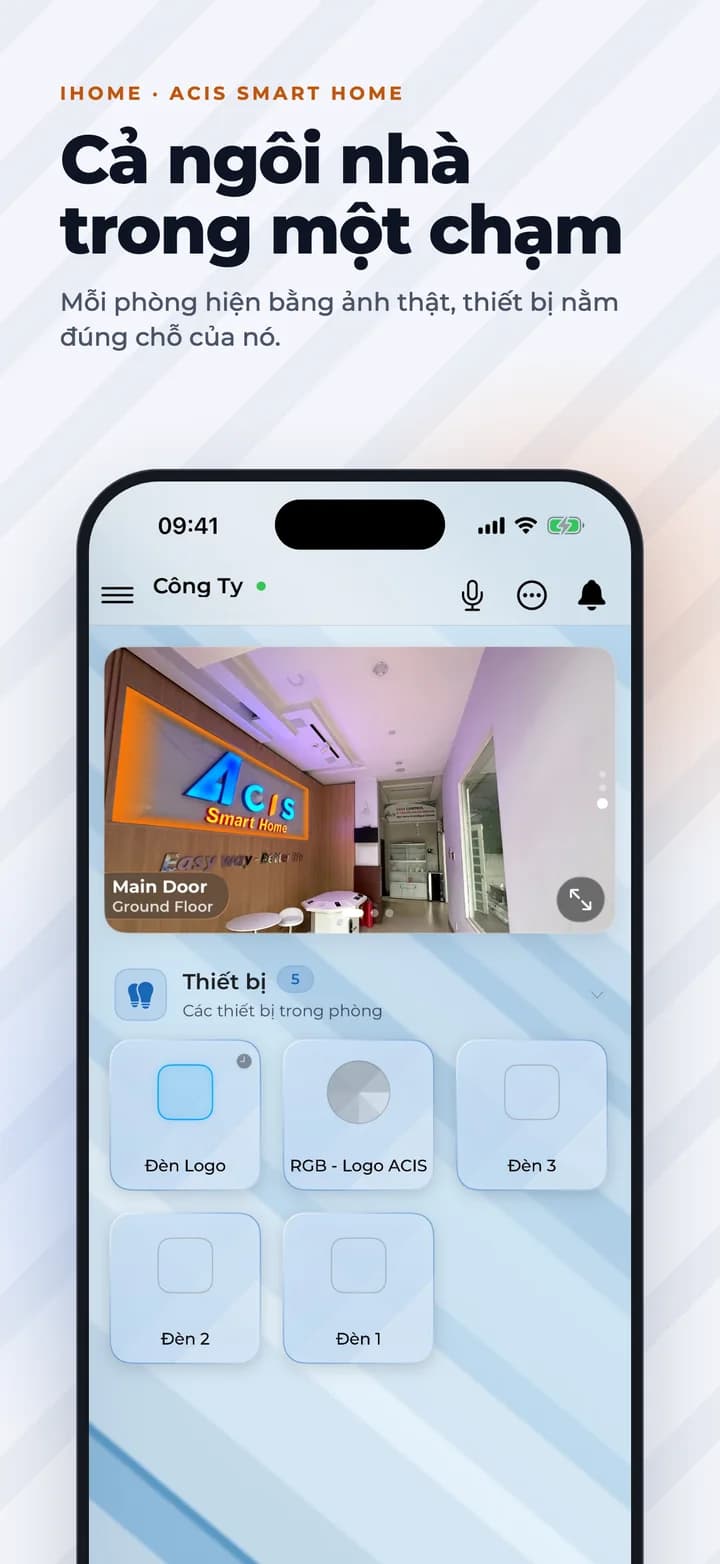
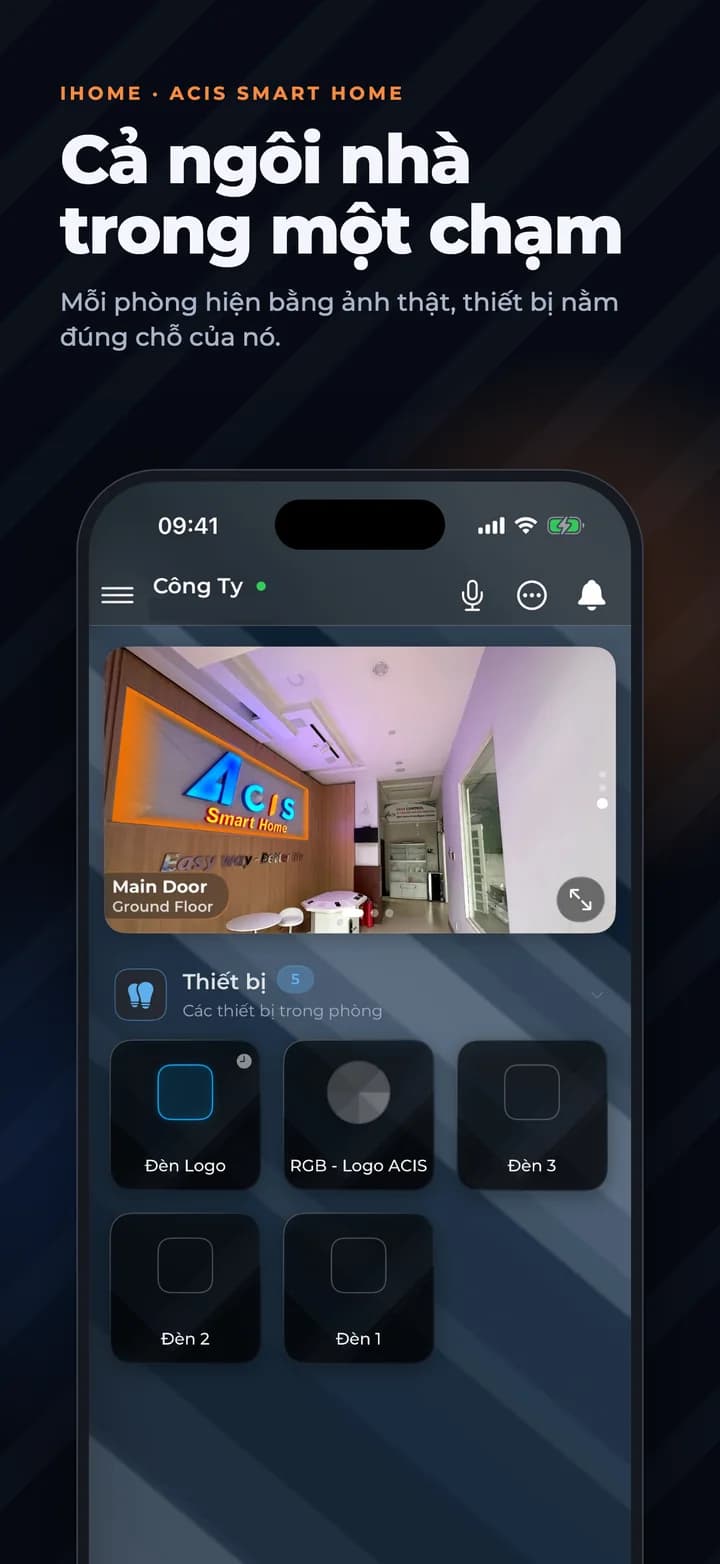
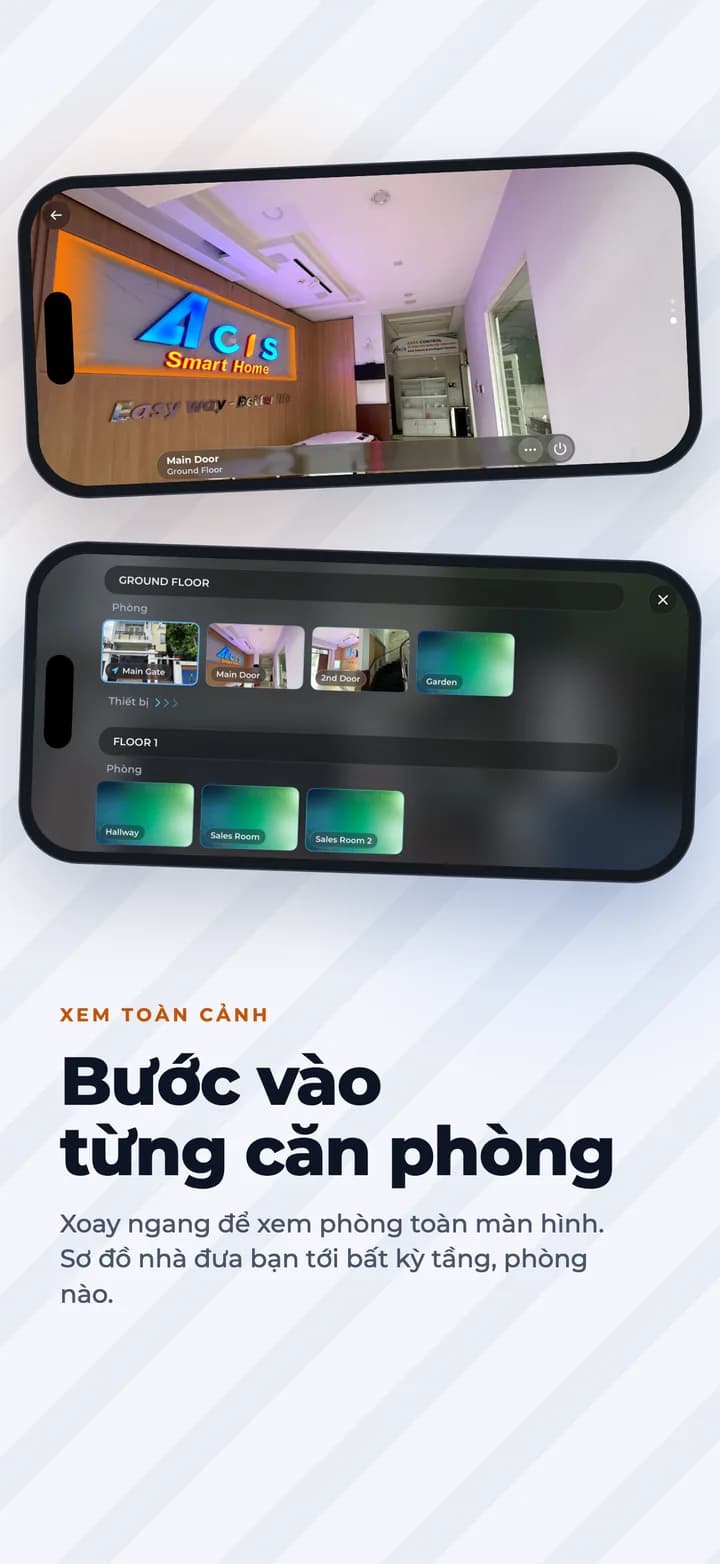
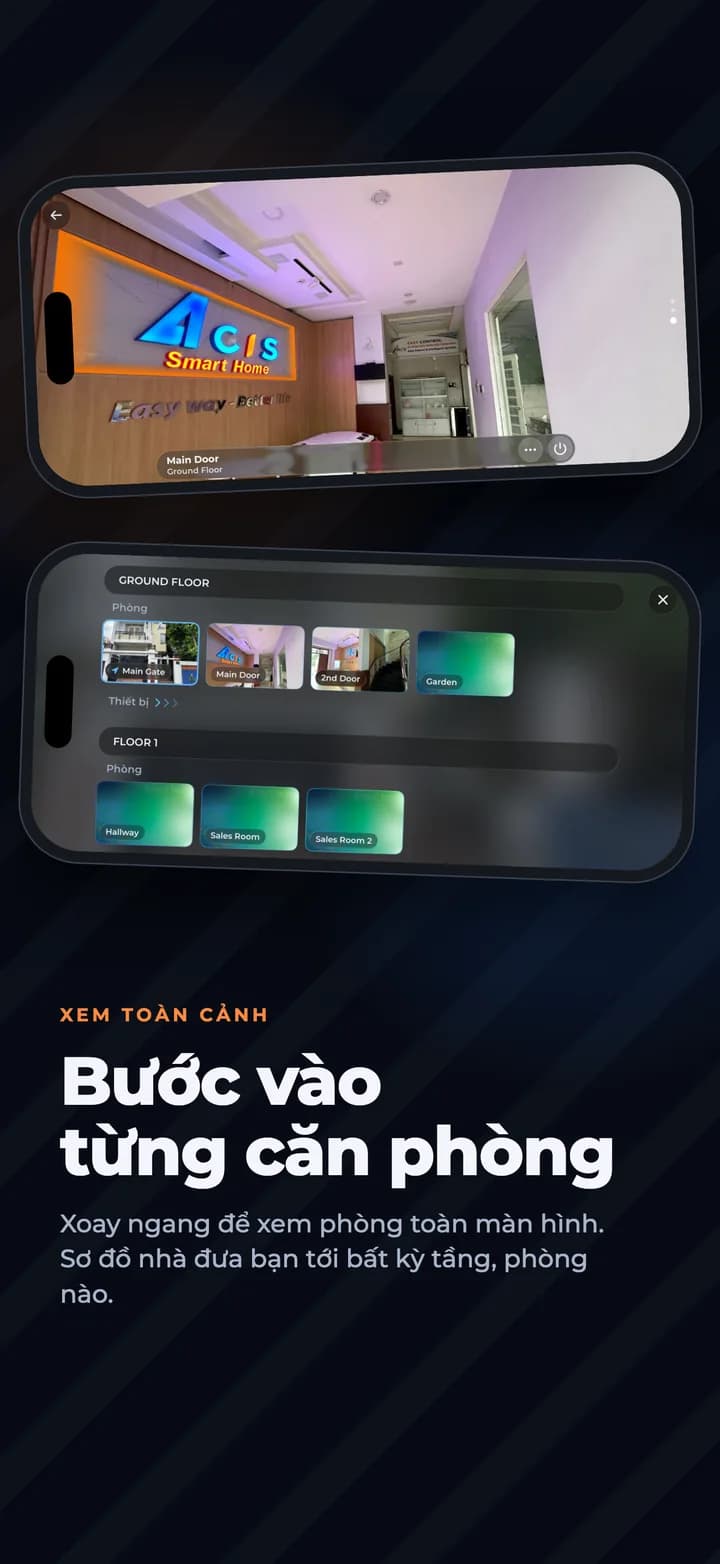
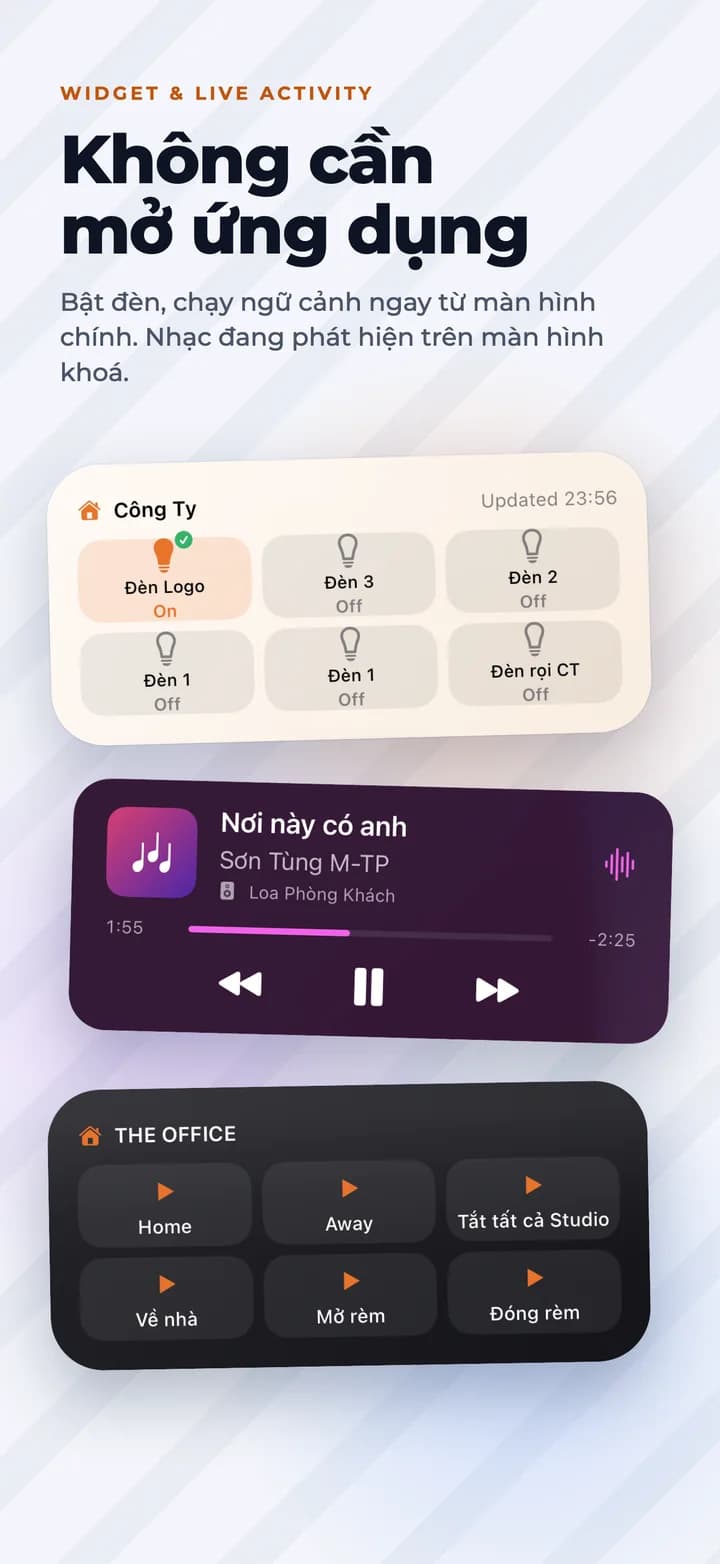
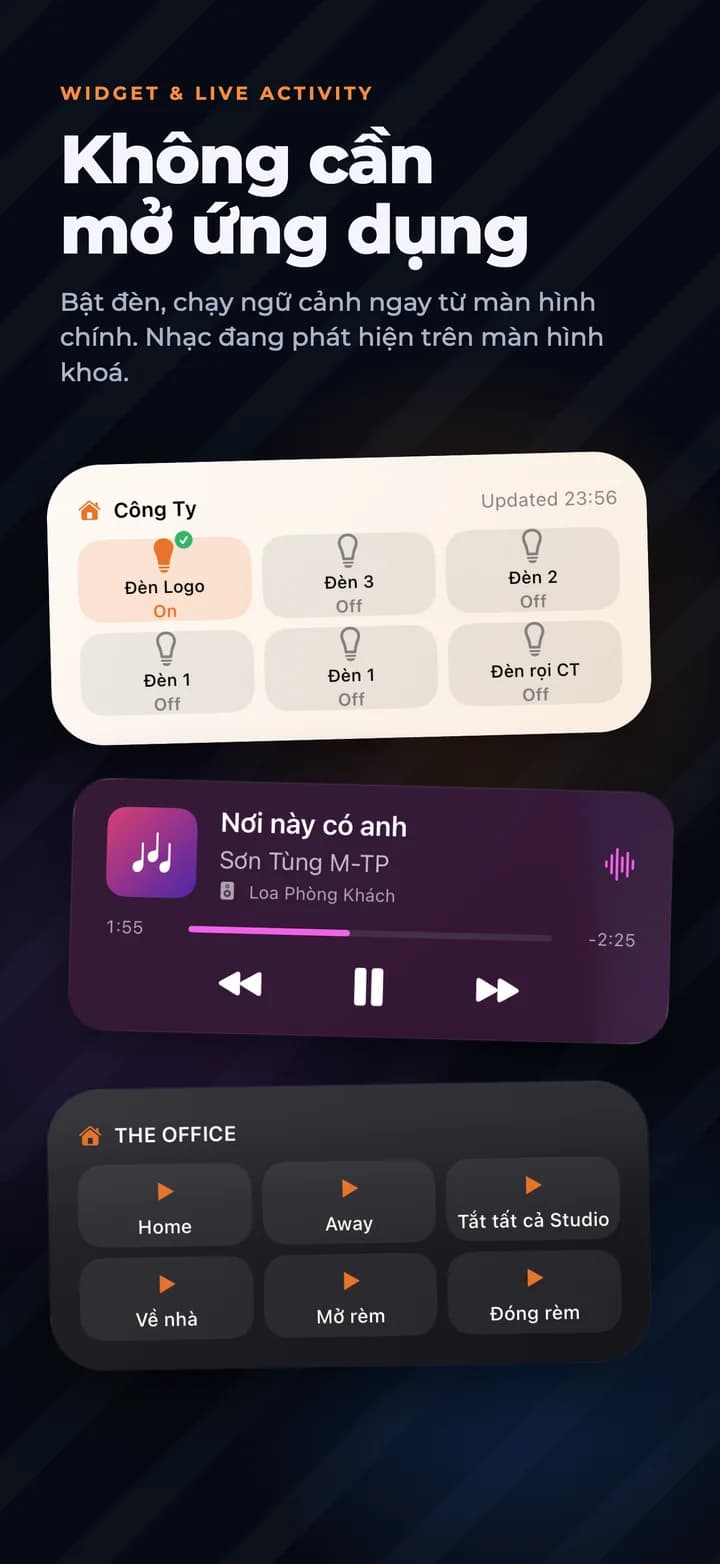
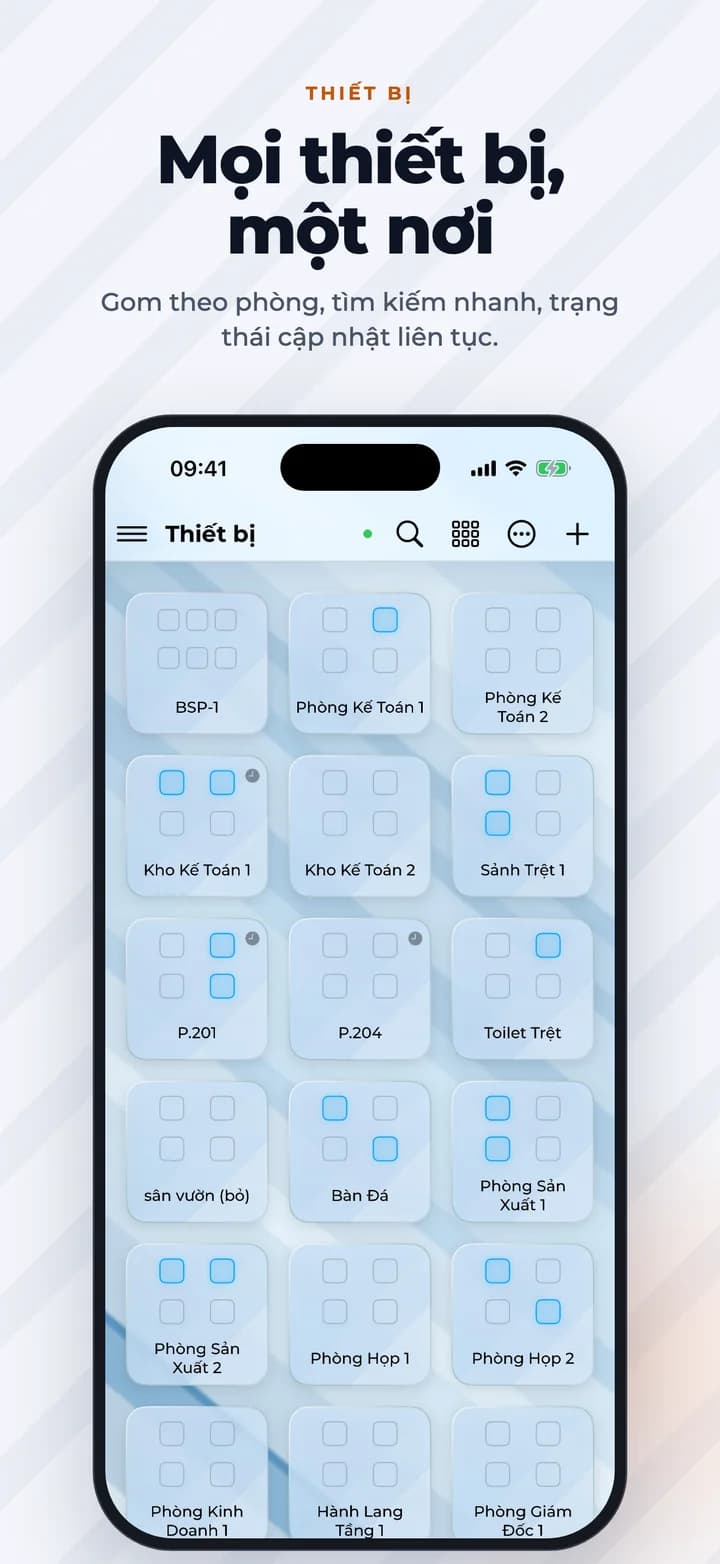
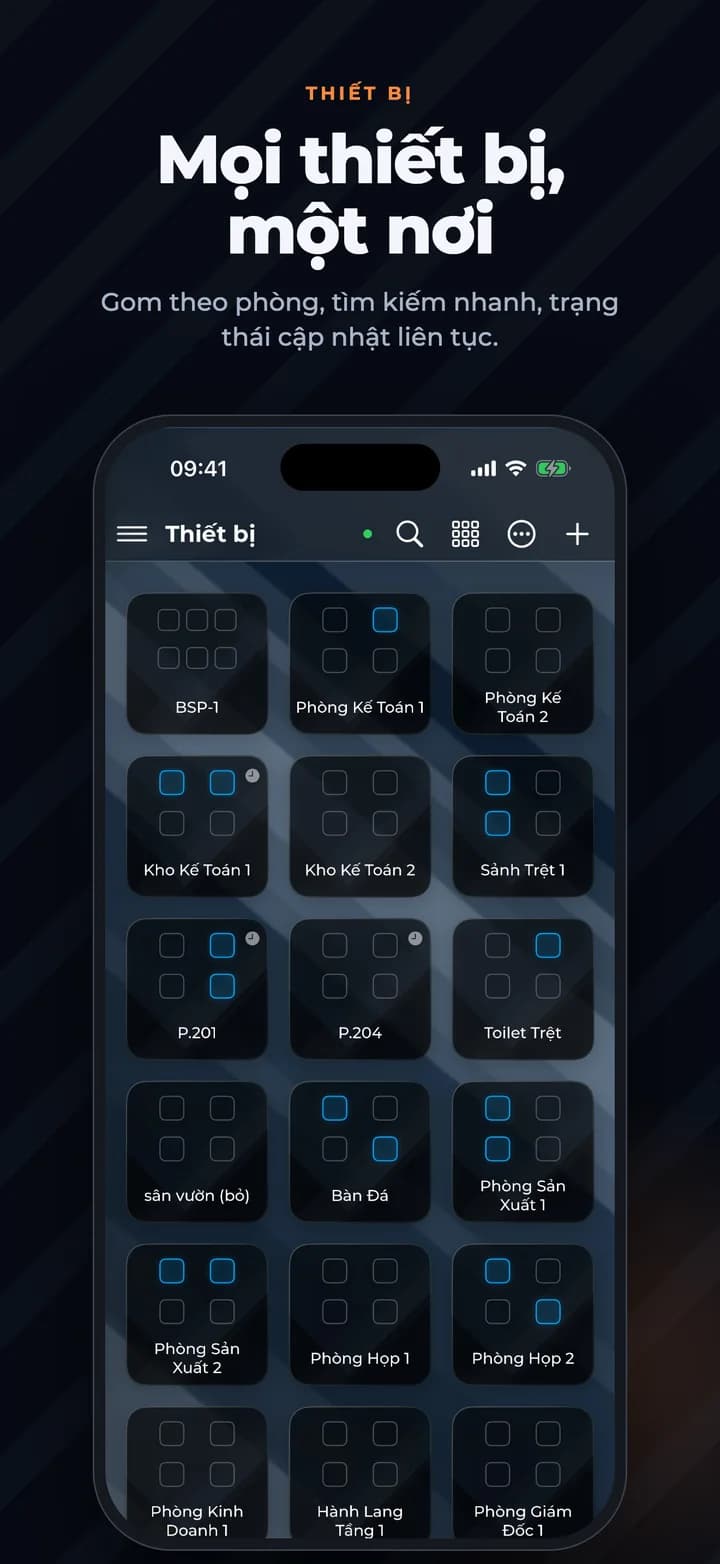
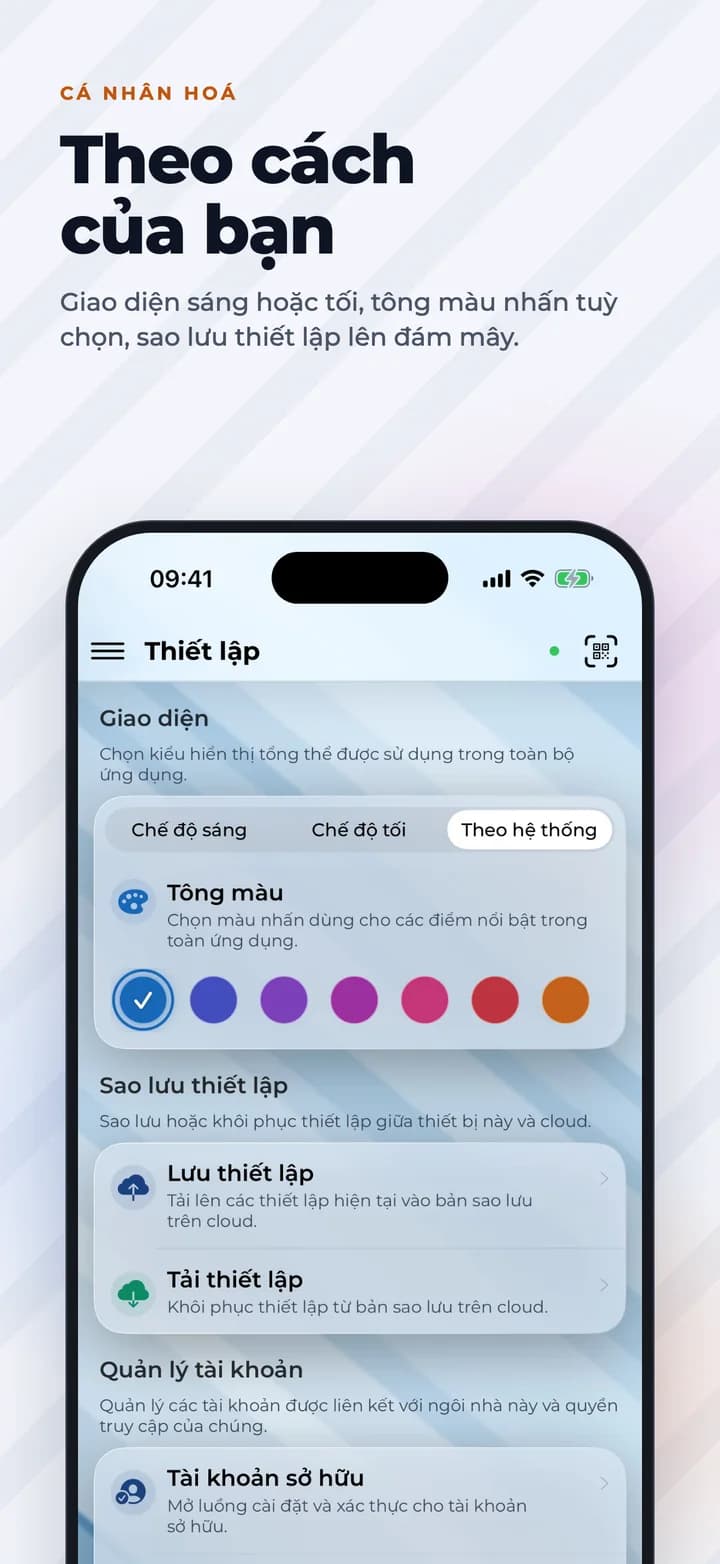
Real screens from iHome 3.1 on iPhone and iPad. Swipe through the rooms, controls, scenes and widgets.

How it works
01
Connect over Mesh-Grid
Devices link peer-to-peer over ACIS's proprietary wireless mesh — no hub bottleneck, no dead zones.
02
Control from anywhere
Open the app to turn on lights, adjust climate, or check your front door from across town or across the world.
03
Automate with scenes
Set schedules and scenarios — “Good Morning,” “Away,” “Movie Night” — and let the house run itself.
What you can control
Every device in the ACIS lineup, in one interface.
Smart Lighting Control
AC & TV Control
Automated Curtains
Anti-Intrusion Security
Entertainment Audio
Camera Surveillance
Smart Watering
Smart Door Locks
Voice & Screen Control